Delivery, from the online order to the door.

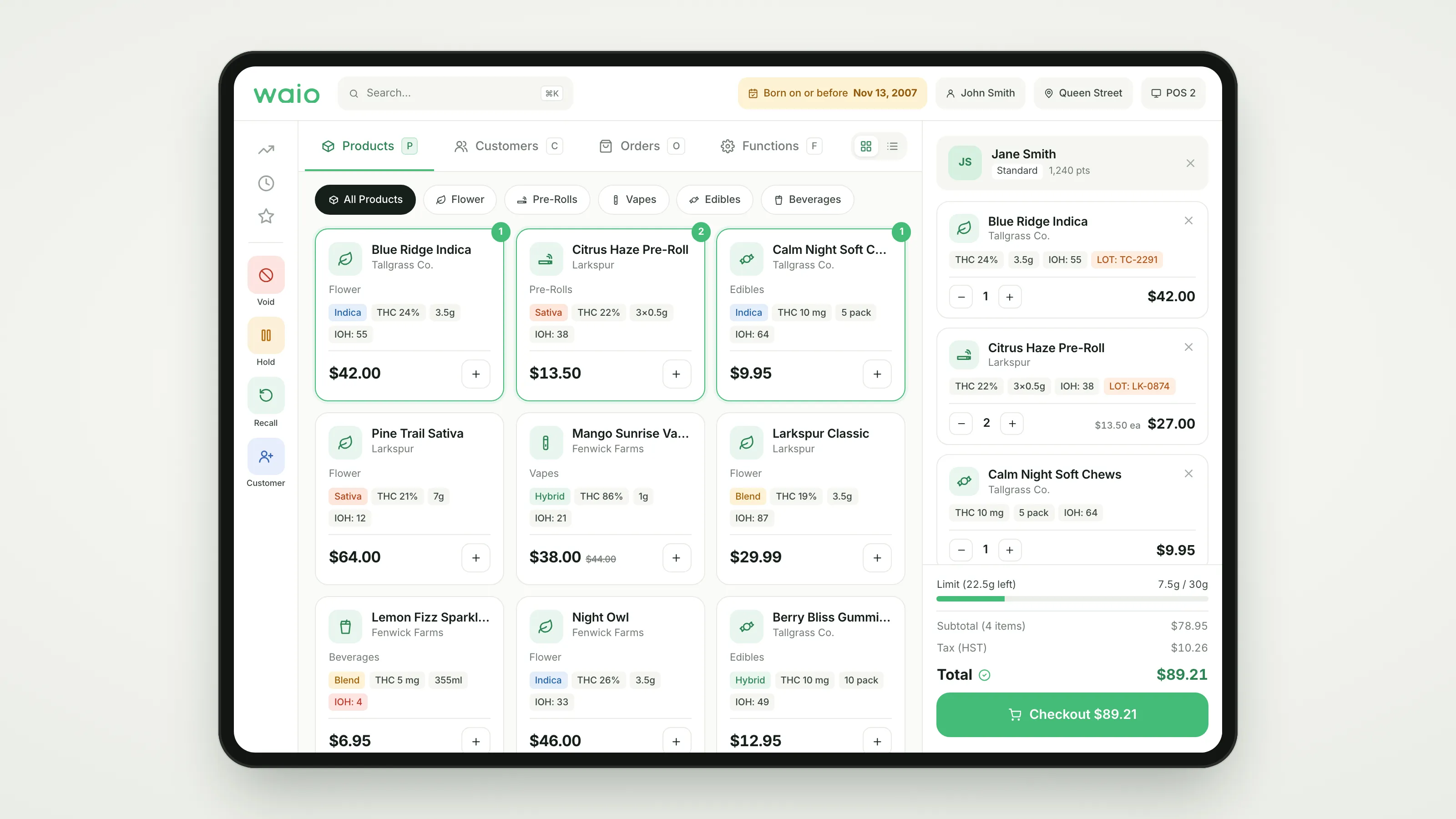
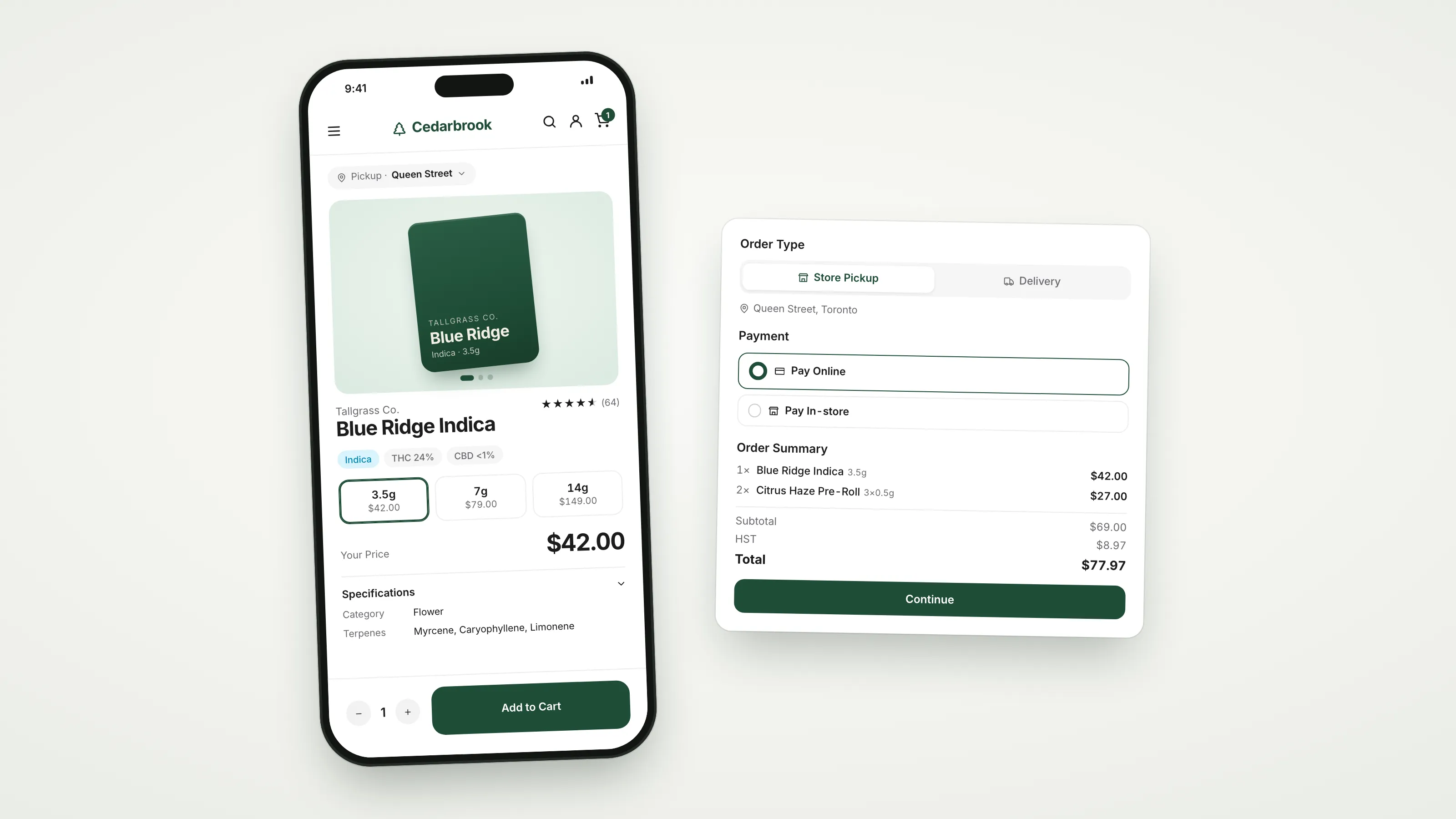
Online orders land in the POS. Put them on a run and WAIO plans the route. Drivers navigate, check ID and take payment on their phone, and every order is tracked until it’s delivered.

  • Optimised routes
  • Driver app
  • Payment at the door
  • Every order tracked

Dispatch

Build a run. WAIO plans the route.

Delivery orders wait in the register’s queue next to pickups. Select a few, add them to a run and pick a driver. When the run starts, WAIO puts the stops in the fastest order.

  • Pickup and delivery orders in one queue
  • Add orders to a new run or one that’s already going out
  • Assign a driver from the store’s staff
  • Routes optimised automatically, with every stop on a map
  • Send the whole route to Google Maps

Driver app

Everything the driver needs, on their phone.

Drivers use WAIO POS in delivery mode. It opens straight to their runs: the current stop, the customer’s notes, the order, and directions with one tap.

  • Their own runs, or the whole store’s board
  • Current stop with the address, notes and order
  • Navigate opens directions to the stop
  • Mark a stop failed, or switch it to pickup
  • Take stops out of order when the day needs it

At the door

Check ID and take payment at the door.

Every stop says Verify ID. Prepaid orders are marked paid. For the rest, Complete order opens the POS checkout on the driver’s phone, with the delivery fee on the bill, and paying in full marks the order delivered.

  • Verify ID on every stop
  • Prepaid online, or pay at the door
  • Credit, debit or cash, through the POS
  • Door sales land in the store’s cash and reports

Tracking

Know where every order stands.

Each delivery moves from preparing to out for delivery to delivered, and the Deliveries board shows every run’s progress, the next stop and what’s still to collect.

  • Preparing, out for delivery, delivered or failed, on every order
  • Run progress and the next stop on the board
  • Failed stops go back out, or switch to pickup
  • Money still to collect, run by run

Set up

Delivery on your terms, store by store.

Turn delivery on for the stores that offer it, set your zones and your fee, and the online store checks each address before the order is placed.

  • Delivery zones by area or radius
  • Your delivery fee on every order
  • Address check at checkout
  • Pickup still on offer at every store

Also in WAIO delivery

One catalogue
Delivery orders draw on the same stock and prices as the registers.
Pickup at store
A customer who’d rather collect is switched to pickup in a tap.
Run history
Completed runs stay on the board’s Past tab, with their stops and driver.
Anyone on shift
Delivery mode is a switch on the device, so any staff member can drive a run.

Questions

Do drivers need a separate app?

No. Drivers use WAIO POS in delivery mode on a phone or tablet. The device opens straight to their runs until they switch it back to the register.

How are delivery routes planned?

When a run starts, WAIO puts its stops in the most efficient order and draws the route on a map. Drivers can open the whole route in Google Maps, or navigate one stop at a time.

Can drivers take payment at the door?

Yes. Complete order opens the POS checkout on the driver’s device with the order and the delivery fee, for credit, debit or cash. Paying in full marks the order delivered.

How do I know where an order is?

Every delivery order carries a status: preparing, out for delivery, delivered or failed. The Deliveries board shows each run’s progress and its next stop.

Is ID checked on delivery?

Every stop in the driver app is marked Verify ID, and the POS shows the born-on-or-before date for your jurisdiction when the driver takes payment.

Can I charge for delivery and limit where we deliver?

Yes. Set delivery zones by area or radius and a delivery fee. Customers check their address against your zones at checkout.

See WAIO with your own stores in mind.

Tell us how many locations you run and what you use today. We'll walk you through the parts that matter to you.

Book a call

Tell us about your operation and we'll set up a walkthrough built around your stores.

By submitting, you agree to our Terms & Conditions.

Thanks, we've got it.
Someone from our team will reach out shortly to book a time.